New Dashboard Themes
Welcome to a new, more colorful, more customizable Small Sign Up!
May 6, 2026
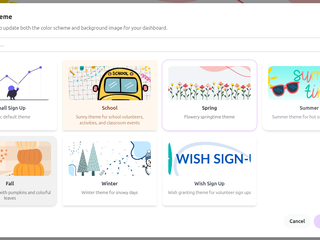
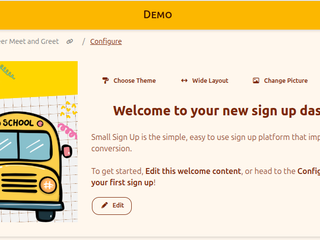
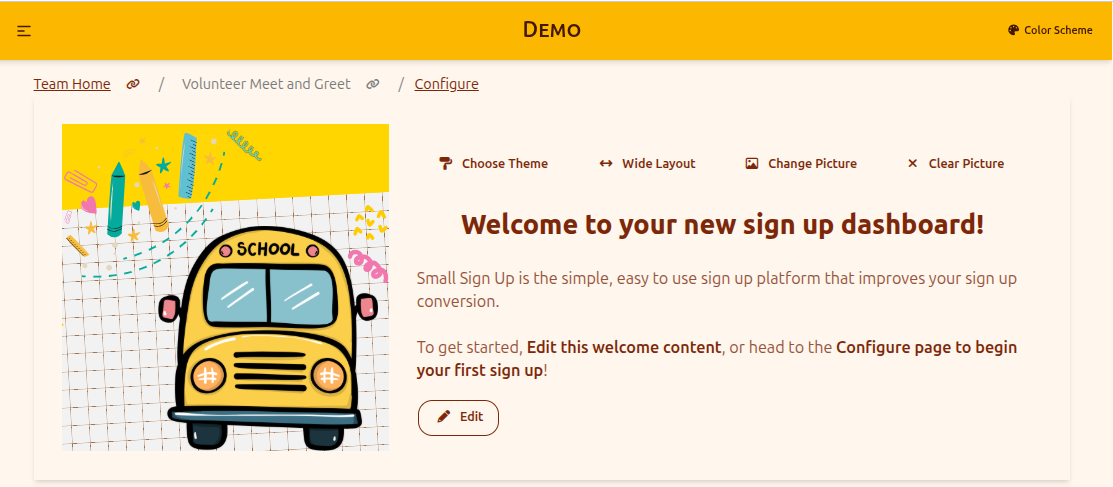
Just released on May 6, Small Sign Up now provides several default Dashboard Themes that include a banner picture paired with a custom color scheme. To set a new theme, just select the "Choose Theme" option on your dashboard:
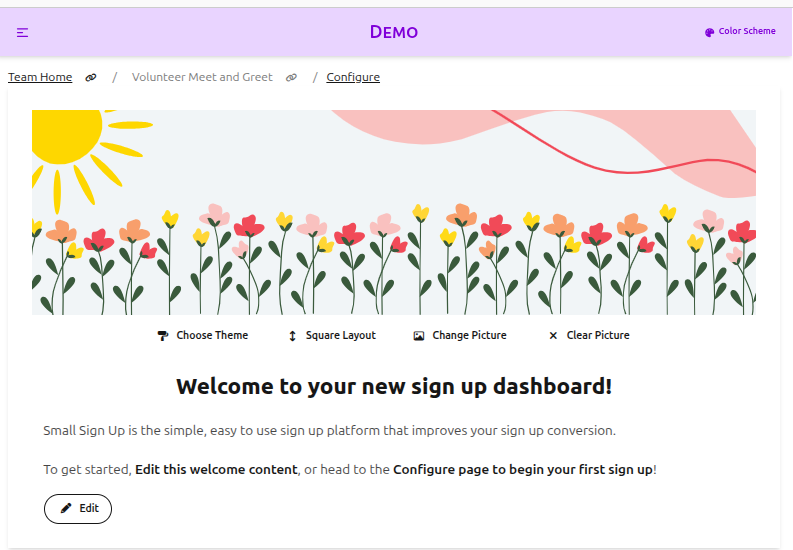
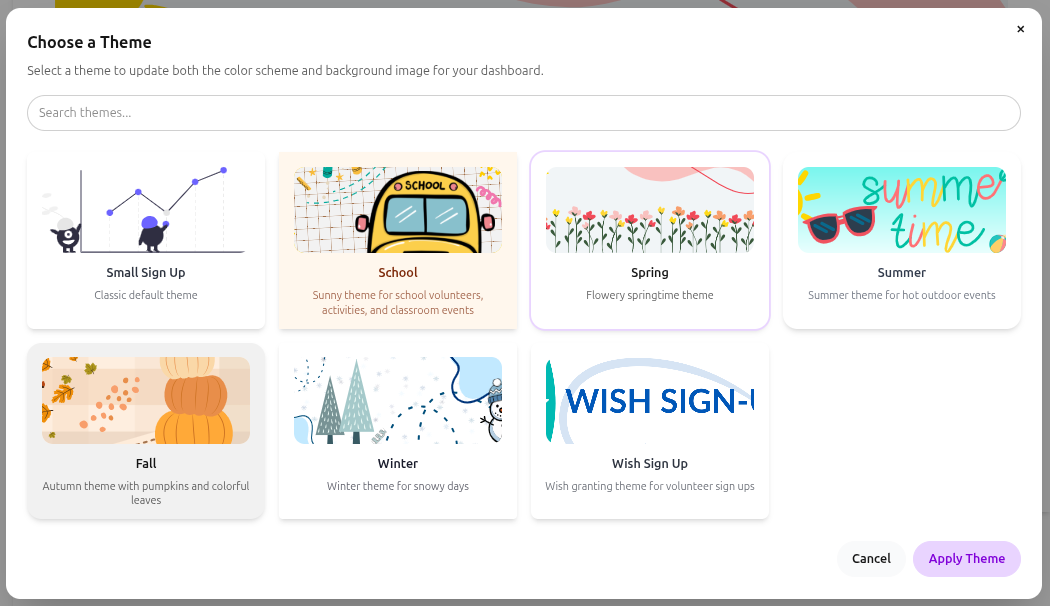
This opens a prompt where you can search through the available themes and apply to your dashboard. Your chosen theme will update the dashboard banner picture and the color scheme to make a colorful, appealing dashboard out of the gate.
You can now also convert your dashboard to use a "Square" image layout, where the picture is placed next to the welcome text. This is particularly useful if your dashboard picture is more square than wide.
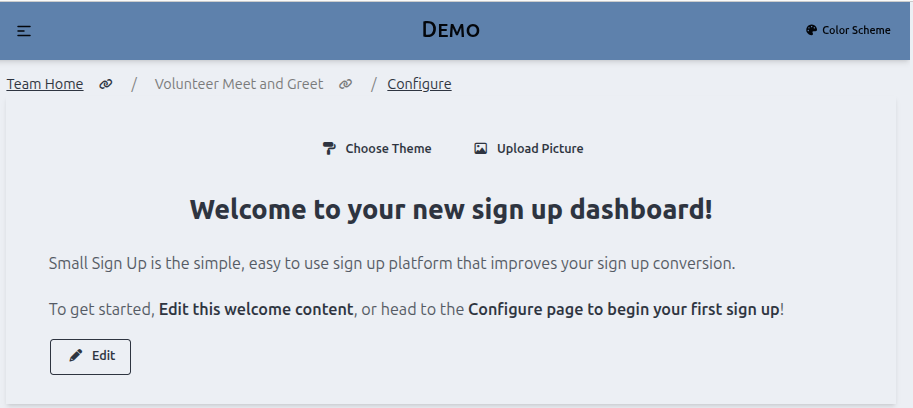
Finally, you can also choose to clear the picture, and have a text-only dashboard.
We expect these updates to bring you even more easy-to-use options to create your best sign up dashboard!
Image Gallery