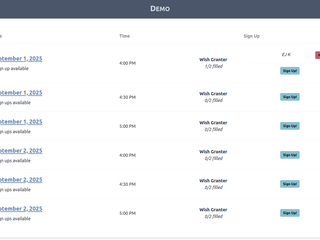
Table and Date Sign Ups
Small Sign Up now supports a table-formatted sign up dashboard - perfect for events!
Aug. 30, 2025
Small Sign Up now includes a more conventional table-style sign up dashboard!
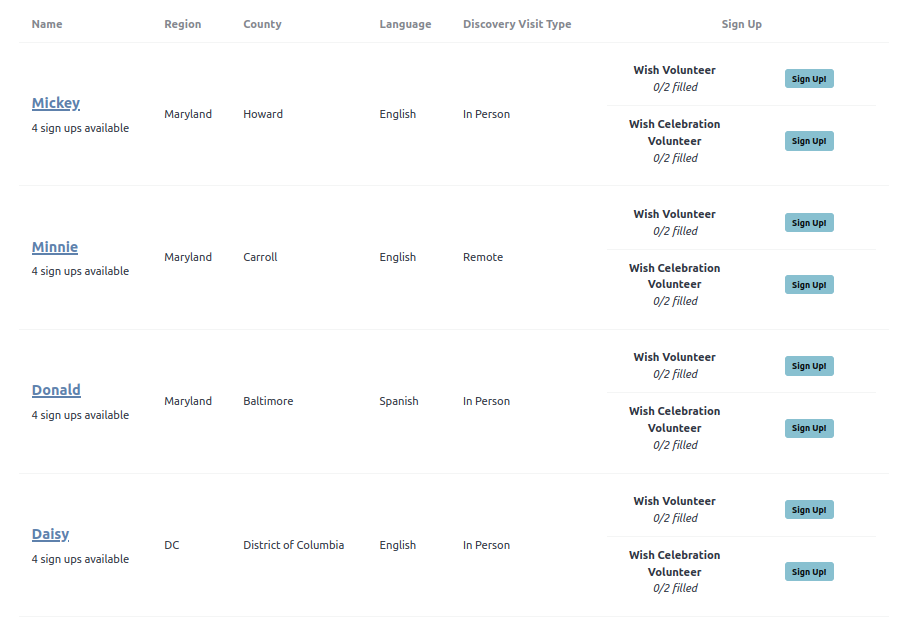
Set the Dashboard Style to "table" and your dashboard will show a streamlined, responsive table of sign ups. All volunteer slots will be displayed on the far right column, and any data fields will be displayed as columns in the table. Here's an example sign up dashboard using the table format:
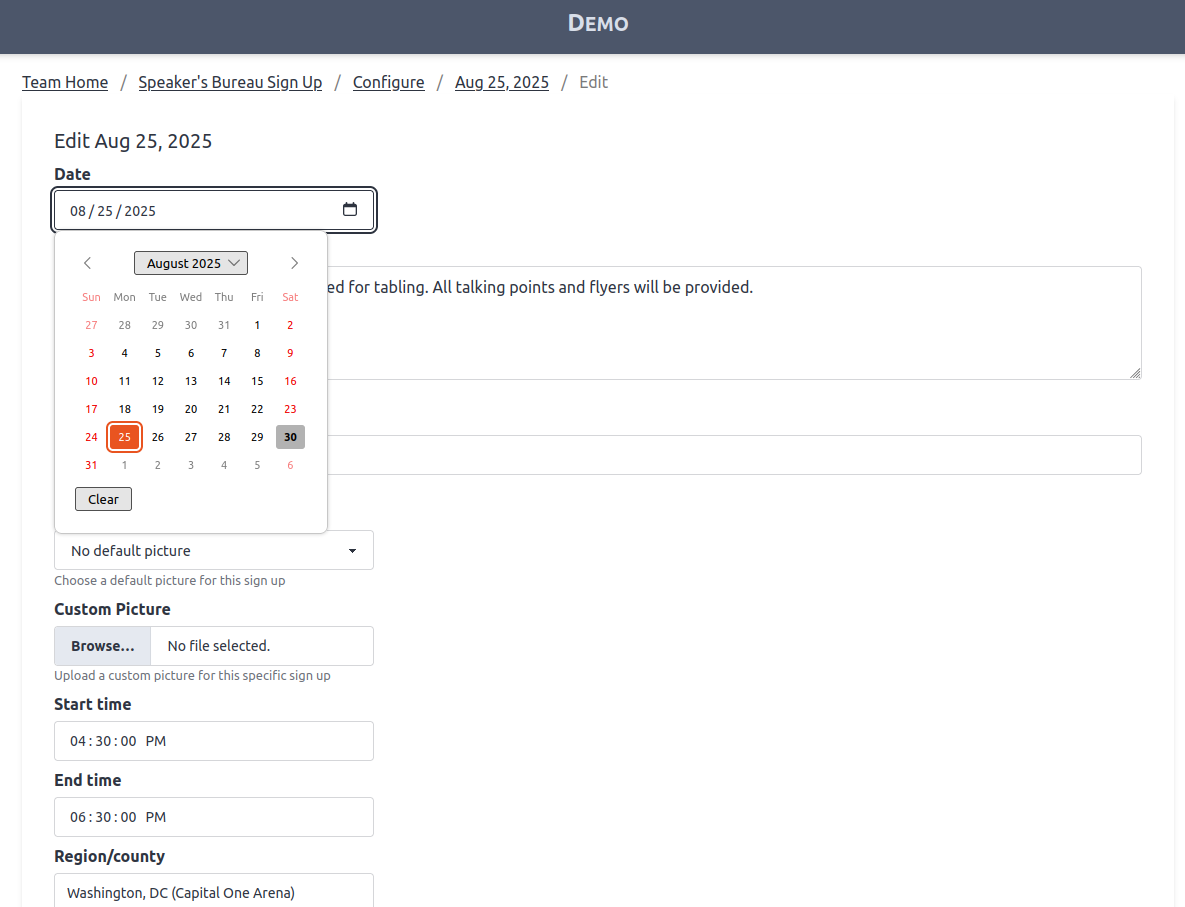
You can also configure data fields to be either Date or Time input type. When you edit your sign ups, you can enter date or time information using a calendar or time selection.
Finally, you can also configure the Date or Time field to override the sign up name. This lets you create a sign up dashboard that is fully focused on events and time slots!
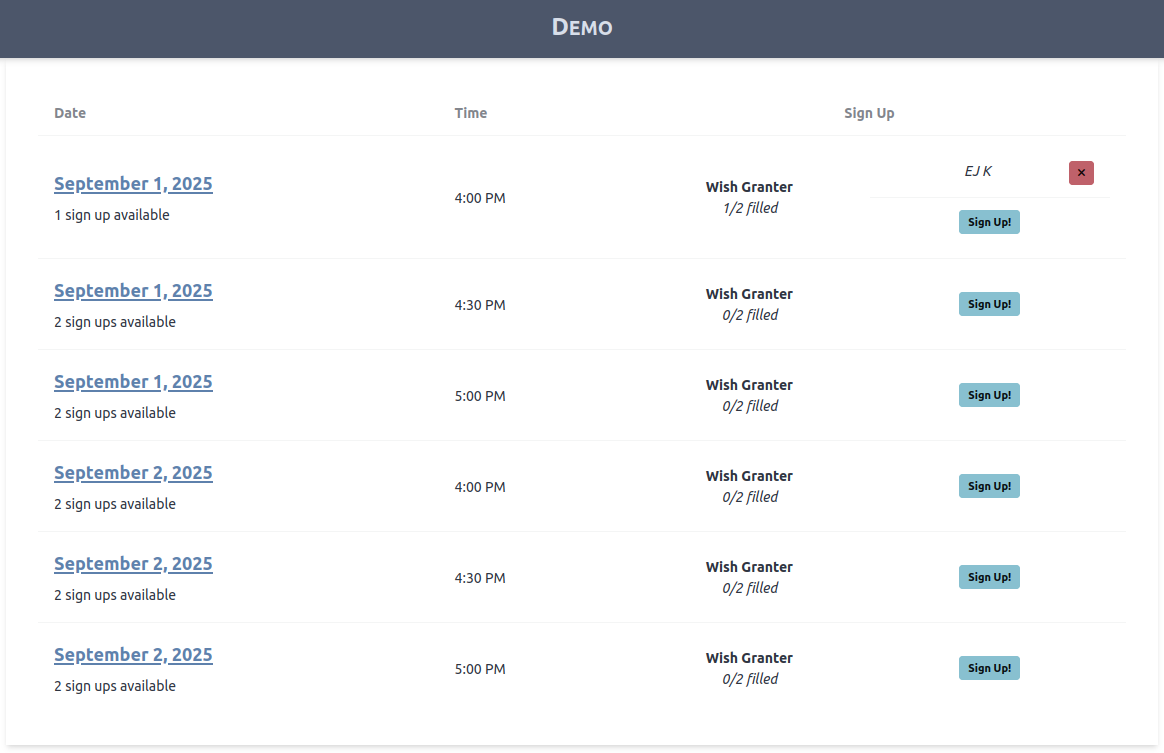
Image Gallery